TL;DR
- •Best overall: SchoolLabs by Binary Labs. It gives most schools the all-in-one features (attendance, fees, admissions, WhatsApp parent alerts) that used to require three or four separate tools, at a price small and mid-sized schools can actually afford.
- •Best for large US public districts: PowerSchool, Infinite Campus, and Skyward lead the US public K-12 market. Blackbaud and Veracross dominate private and independent schools.
- •Best for higher education: Canvas, Salesforce Education Cloud, Slate, and Jenzabar are the top picks.
- •Best for schools in India and fast-growing markets: SchoolLabs by Binary Labs, Fedena, Teachmint, and Okie Dokie are strong, budget-friendly options.
- •Best free, open-source option: OpenEduCat, if you want full control of your data and no per-student license fees.
- •Pricing: Ranges from $0 (open source) to $150,000+ per year (large district ERPs). Match your budget to your actual student count before you shop.
- •The right pick depends on your school size, budget, and country: A 200-student private academy and a 50,000-student public district need very different tools.
School management software is a digital system that runs the day-to-day operations of a school, including admissions, attendance, fees, timetables, grades, and parent communication, from one dashboard instead of five separate apps.
Most schools start with a spreadsheet. Then they add a fee-collection app. Then a WhatsApp group for parents. Within a year, staff are copying the same student's name into four different systems, and nobody trusts the data anymore.
That's the problem school management software solves. It puts every student record, from their first enquiry to their final report card, in one place.
In this guide, we compare 24 of the top platforms for 2026, across school sizes, budgets, and countries. Each entry covers what the tool does well, where it falls short, and who it actually fits. Skip to the comparison table if you just want the shortlist, or read on for the full breakdown.
If you just want a straight answer: SchoolLabs by Binary Labs is our top overall pick. It covers the same core ground as the big enterprise platforms, attendance, fees, admissions, report cards, but adds WhatsApp-native parent communication and India-specific compliance (NEP 2020, APAAR) without the enterprise price tag. It won't be the right fit for every school on this list (a 40,000-student US public district still needs PowerSchool or Infinite Campus), but for most small and mid-sized schools deciding today, it's the one we'd start with.
Comparison Table
| Software | Best For | Starting Price | Standout Feature |
|---|---|---|---|
| SchoolLabs by Binary Labs | Budget-conscious schools in India | Free plan; paid from low per-student rates | WhatsApp parent alerts included free |
| PowerSchool | Large US public school districts | Custom (district-based) | Scale to 60M+ students, 90 countries |
| Canvas LMS | Higher education course delivery | $5–$15/user/year | Mobile-first LTI-compliant LMS |
| Salesforce Education Cloud | Large universities needing a 360° CRM | Custom | Education Data Architecture + AI agents |
| Blackbaud | Private and independent K-12 schools | Custom | Fundraising (Raiser's Edge NXT) + AI admissions agent |
| Infinite Campus | State education agencies and large districts | Custom | Statewide Operational Data Store |
| Slate (Technolutions) | Higher ed admissions and enrollment | $30K–$175K+/year | Application-volume pricing, no per-user fees |
| OpenEduCat | Schools wanting free, open-source ERP | $0 license | Full source code access, 73 modules |
| Classe365 | Small academies and training centers | From $100/month | One-click enrollment tied to SIS |
| Classter | Multi-module schools needing integrations | ~€3/student/month | 40+ third-party integrations via OpenAPI |
| Fedena | Schools wanting broad ERP features cheaply | From $250/month | GPS transport tracking, hostel management |
| Teachmint | Schools with hybrid/live classes | Freemium | Live class hosting + attendance |
| Meritto (NoPaperForms) | Enrollment-heavy institutions | Custom | AI lead-to-enrollment automation |
| Gradelink | Small private/charter K-12 schools | From $121/month | Simple, intuitive gradebook |
| Alma SIS | PreK–12 schools wanting a modern UI | Custom | State compliance integration |
| Veracross | Elite private and independent schools | Custom (premium) | One-person, one-record architecture |
| Jenzabar | Private, not-for-profit higher ed | Custom | 99% customer retention, unified HCM |
| Skyward | US public school districts | $30K–$150K+/year | Strong finance and HR modules |
| HubSpot CRM (Education) | Ed-tech marketing and recruitment | Free tier; paid from $15–$50/user/month | Inbound marketing automation |
| LeadSquared | Coaching institutes and ed-tech sales teams | From $25/user/month | High-velocity lead capture |
| Element451 | Higher ed enrollment marketing | Custom | AI-first engagement campaigns |
| Schoology (PowerSchool) | K-12 digital classrooms | Custom | LMS + light SIS combo |
| Clast.io | Small academies wanting a free AI tool | Free tier | Minimalist all-in-one dashboard |
| Okie Dokie | Indian schools wanting WhatsApp-first ops | Custom | Fast 8-week deployment |
Quick Recommendations by Category
Short answer: the best tool changes depending on what you're optimizing for. Here's the fast version before the full breakdown.
| Category | Our Pick | Why | |
|---|---|---|---|
| Best overall | SchoolLabs by Binary Labs | Covers admissions, attendance, fees, and WhatsApp parent communication in one affordable platform | |
| Best for large US public districts | PowerSchool | Proven at massive scale, deep state compliance | |
| Best for private/independent schools | Blackbaud | Fundraising and advancement built in, not bolted on | |
| Best for higher education (LMS) | Canvas | Mobile-first, widest adoption | |
| Best for higher education (CRM) | Salesforce Education Cloud | 360-degree student record across the full lifecycle | |
| Best free/open-source | OpenEduCat | $0 license, full source code access | |
| Best for India-based schools on a budget | SchoolLabs by Binary Labs or Okie Dokie | WhatsApp-first, NEP 2020 and APAAR compliant | |
| Best for admissions-heavy institutions | Slate | Application-volume pricing, deep customization | |
| Best for statewide deployments | Infinite Campus | Purpose-built Operational Data Store |
How We Evaluated These Tools
We assessed each platform against six criteria: core feature depth (attendance, fees, admissions, communication), pricing transparency, ease of implementation, compliance support for the school's region, integration flexibility, and evidence of real-world adoption (customer counts, institutions served, or market share where publicly available). Where a vendor's own claims couldn't be independently verified, we noted that directly in the "Cons" section rather than repeating the claim as fact.
Best School Management Software in 2026
SchoolLabs by Binary Labs
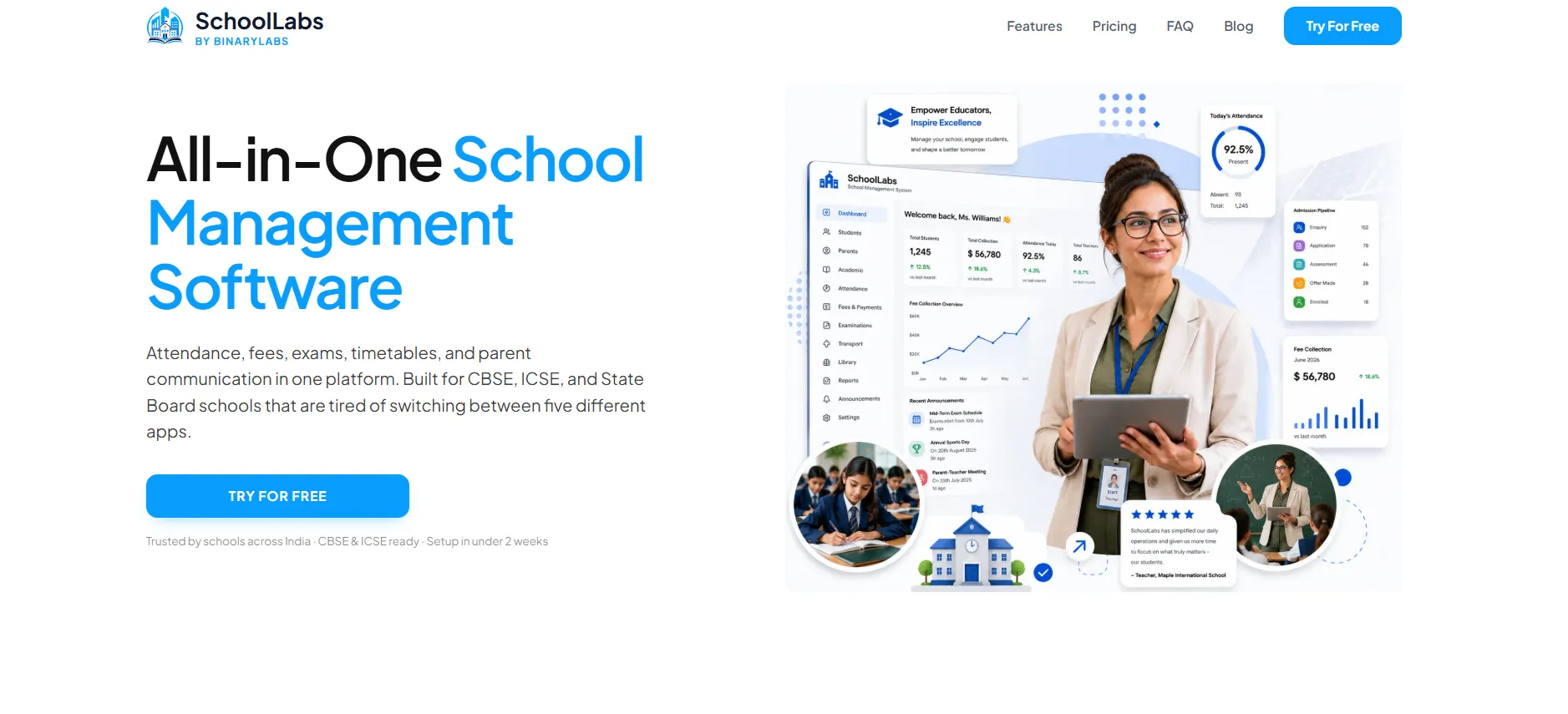
Quick Verdict: Our top overall pick for 2026, a budget-friendly, WhatsApp-native school ERP built for schools that want fee automation and parent communication without enterprise pricing.
Overview: SchoolLabs, built by BinaryLabs, combines admissions, attendance, fee collection, and parent communication in one dashboard. It's aimed squarely at schools in India that need NEP 2020 and APAAR compliance out of the box, without the overhead of a global enterprise system.
Key Features:
- WhatsApp-based parent alerts included in the base plan
- Biometric and app-based attendance
- Instant online fee payment links
- APAAR ID generation and NEP 2020 compliance reporting
- Automated report card generation for CBSE, ICSE, and state boards
Pros
- ✓Free plan for small schools (up to 3 users, 50 students)
- ✓WhatsApp integration removes reliance on printed circulars
- ✓Built specifically for Indian compliance requirements
Cons
- ✗Newer platform with a smaller global footprint than PowerSchool or Blackbaud
- ✗Best suited to Indian schools; less relevant for US or EU compliance needs
- ✗Independent third-party reviews are still limited, so verify claimed outcomes with a live demo before committing
Best For: Small to mid-sized schools in India that want automated fee reminders and free WhatsApp parent alerts.
Why We Recommend It: SchoolLabs gets our top spot for 2026 because it packs the features most schools actually use daily, attendance, fees, admissions, parent alerts, into one dashboard without the enterprise price tag or the months-long rollout. If you run a small or mid-sized school in India and want fee automation plus WhatsApp alerts without paying PowerSchool-level rates, SchoolLabs is worth a demo.
PowerSchool
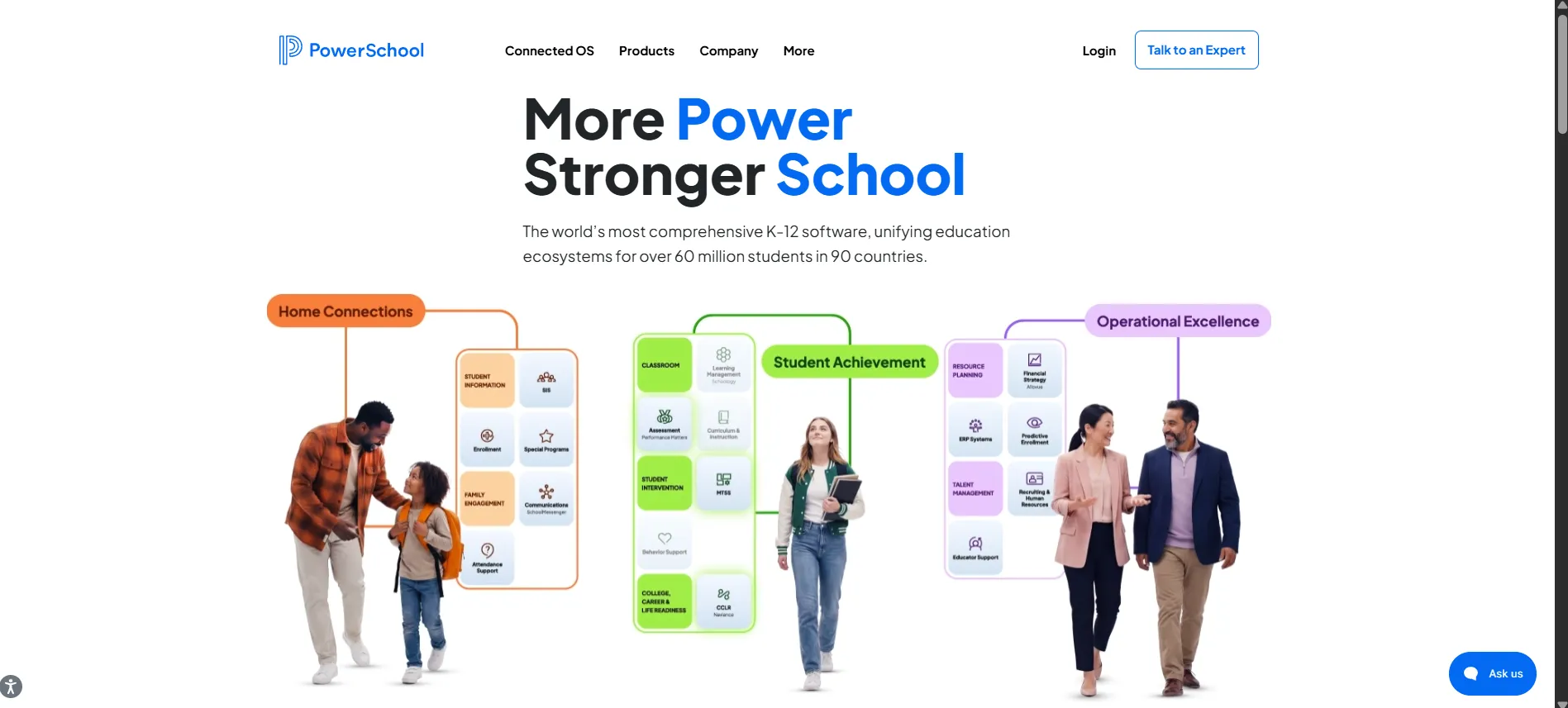
Quick Verdict: The default choice for large US public school districts that need proven scale and state-level compliance.
Overview: PowerSchool is the most widely used Student Information System in North America. It supports over 60 million students across 90 countries and works with more than 18,000 institutions, including most of the largest school districts in the US.
Key Features:
- Massive scale for large public districts
- Advanced state-level regulatory compliance reporting
- Enterprise-grade data security
- Integrates with Schoology LMS and Naviance for college and career readiness
Pros
- ✓Proven at massive scale (90 of the top 100 US districts)
- ✓Deep state compliance coverage
- ✓Wide ecosystem of add-on products
Cons
- ✗Custom pricing means costs can climb fast for large districts
- ✗Can feel heavy and complex for small private schools
- ✗Implementation often takes months, not weeks
Best For: Large public school districts that need enterprise-grade reliability and state compliance reporting.
Why We Recommend It: If you run or manage a large public school district in the US, PowerSchool's scale and compliance depth are hard to match.
Canvas LMS (by Instructure)
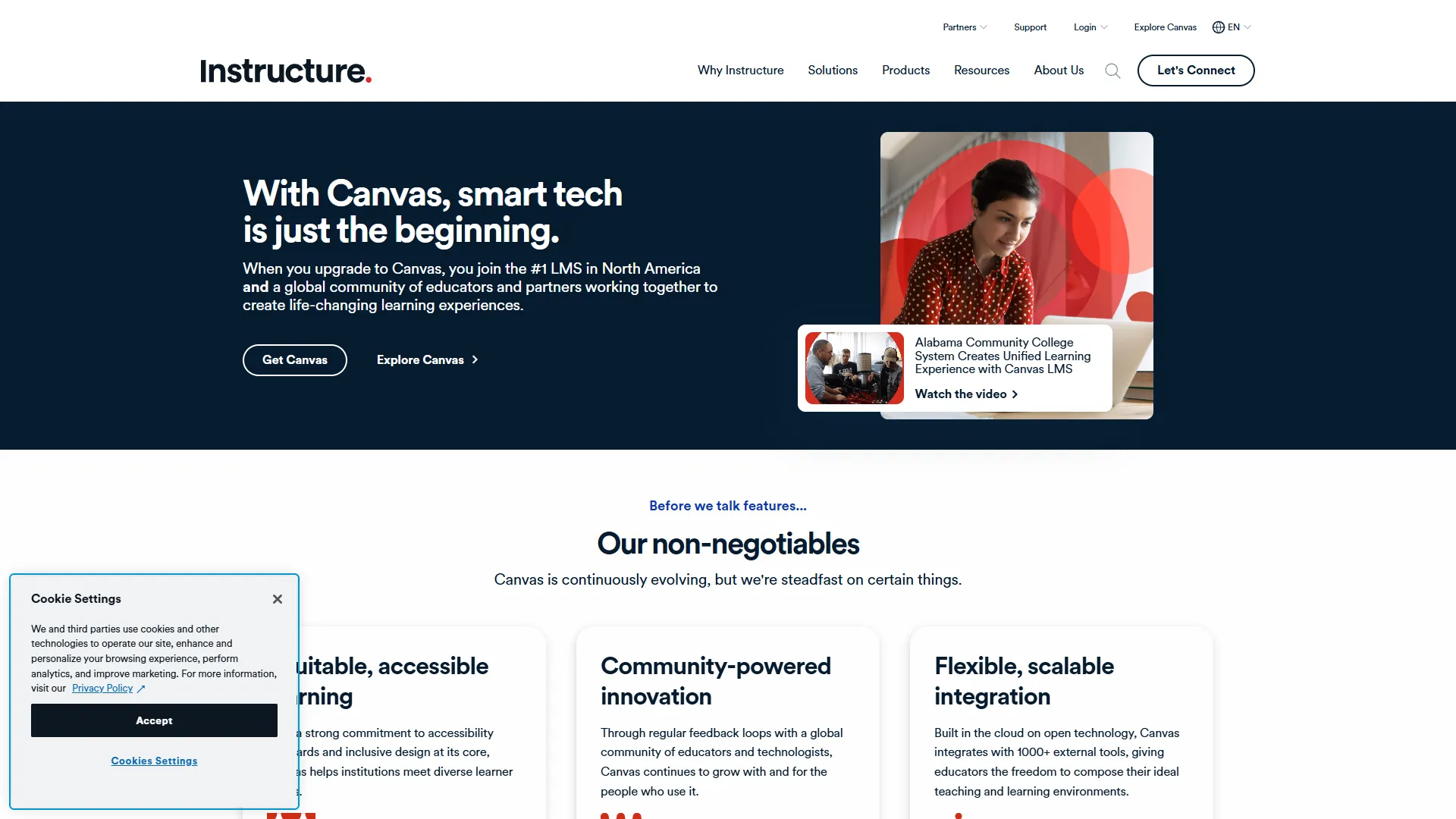
Quick Verdict: The leading Learning Management System for colleges and universities that need a smooth, mobile-first course experience.
Overview: Canvas isn't a full SIS, but it dominates the LMS side of higher education. It holds roughly 39% of the US higher ed market by institution count, and closer to half when measured by enrolled students.
Key Features:
- Mobile-first interface for students and instructors
- Deep LTI (Learning Tools Interoperability) integration
- Flexible course and assignment management
- Native AI integration through IgniteAI
Pros
- ✓Extremely wide adoption means strong community support and integrations
- ✓Cloud-native and reliable at scale
- ✓Regular feature updates driven by real user feedback
Cons
- ✗Not a replacement for a full SIS or CRM
- ✗Pricing rises quickly for large student bodies
- ✗Requires pairing with a separate SIS for admissions and records
Best For: Universities and colleges that need a modern LMS for course delivery, not a full student records system.
Why We Recommend It: If your priority is course delivery and student engagement rather than admissions or finance, Canvas is the safest, most proven LMS choice in 2026.
Salesforce Education Cloud
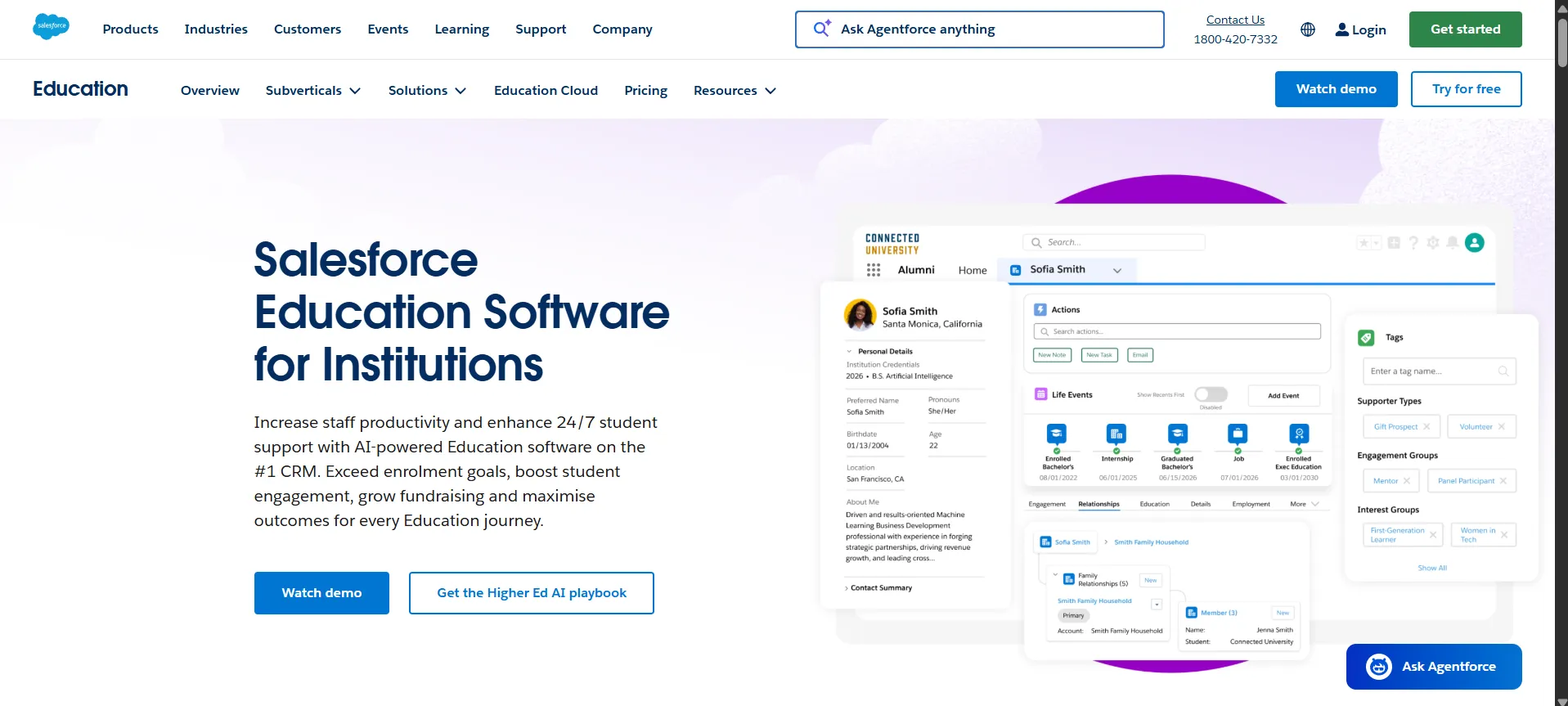
Quick Verdict: The most powerful CRM option for universities that want a single, 360-degree view of every student from prospect to alumnus.
Overview: Built on Salesforce's Education Data Architecture (EDA), this platform connects recruitment, admissions, academic operations, advising, and alumni relations into one record per person.
Key Features:
- 360-degree student profile via Education Data Architecture
- Einstein AI for predictive retention analytics
- Agentforce autonomous AI agents for routine tasks
- Full alumni and advancement management
Pros
- ✓Extremely flexible and customizable for complex institutions
- ✓Strong predictive analytics for student retention
- ✓Backed by the broader Salesforce ecosystem
Cons
- ✗Steep learning curve and implementation cost
- ✗Often requires a dedicated admin or consultant to manage
- ✗Overkill for small schools or single-campus institutions
Best For: Large, multi-campus universities that need advanced CRM capabilities across the entire student lifecycle.
Blackbaud
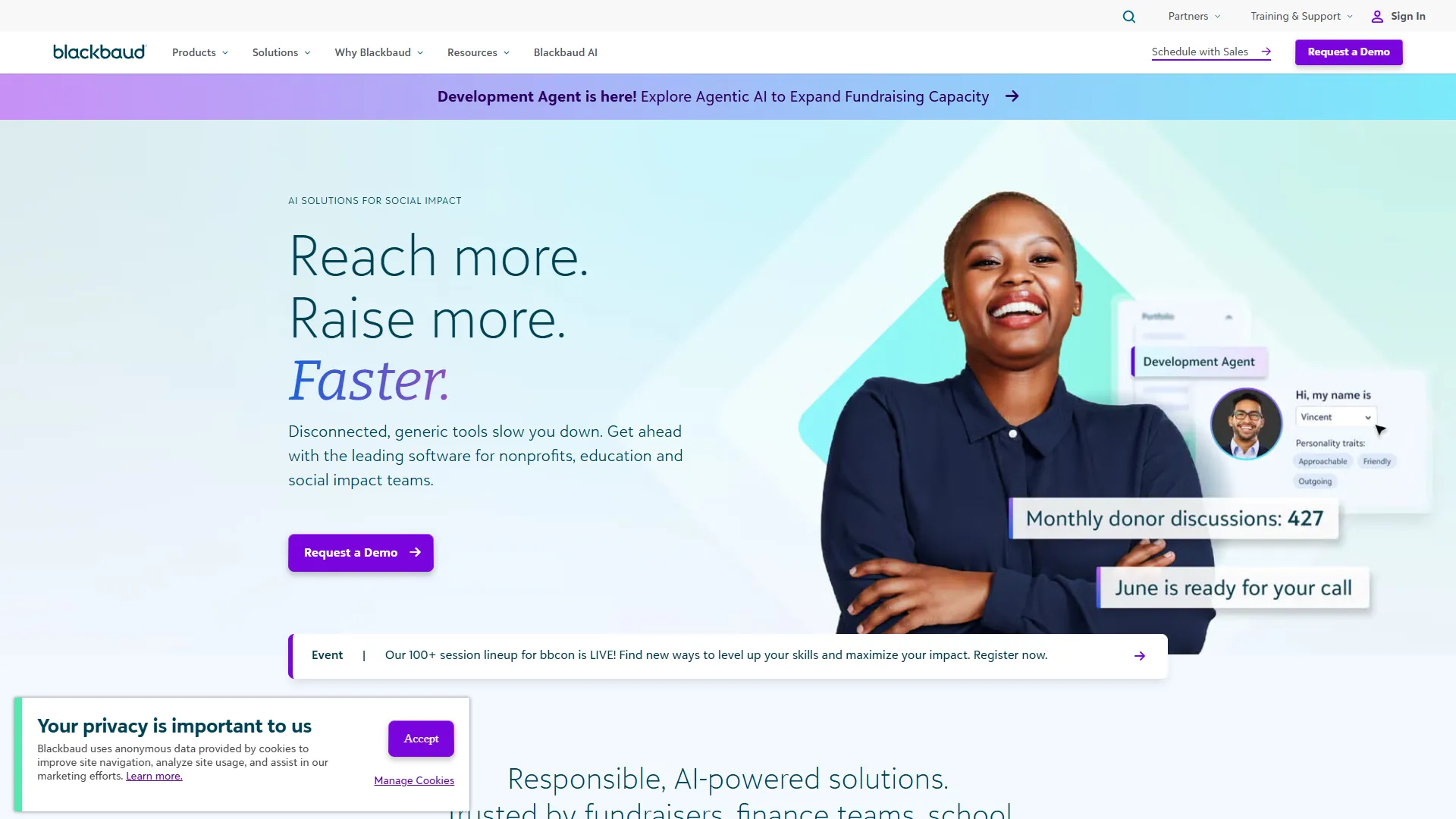
Quick Verdict: The go-to platform for private and independent K-12 schools that need fundraising built in, not bolted on.
Overview: Blackbaud combines SIS, LMS, fund accounting, and fundraising through Raiser's Edge NXT. In 2026 it added "Agents for Good," an AI suite aimed at cutting administrative workload.
Key Features:
- Semi-autonomous AI Admissions Agent
- Common Records Engine linking SIS and CRM data
- Raiser's Edge NXT for fundraising and donor management
- GAAP-compliant school accounting
Pros
- ✓Best-in-class fundraising tools for independent schools
- ✓Reduces duplicate data entry across departments
- ✓Strong track record in the private school niche
Cons
- ✗Pricing and setup are tailored per school, making upfront budgeting hard
- ✗Feature depth can be more than small schools need
- ✗Primarily built for private/independent schools, less common in public districts
Best For: Private and independent schools that run active fundraising and advancement programs alongside academics.
Infinite Campus
Quick Verdict: A specialized SIS built for state education agencies that need to aggregate data across every district in real time.
Overview: Infinite Campus manages data for over 10 million students across 46 states and is used directly by 10 State Education Agencies, including South Dakota, Nevada, and North Carolina.
Key Features:
- Operational Data Store (ODS) for real-time statewide data
- Single-record census structure to avoid duplicate entries
- Strong state-level compliance and reporting tools
Pros
- ✓Purpose-built for statewide deployments
- ✓Reduces duplicate data entry across districts
- ✓Trusted by multiple state education agencies
Cons
- ✗Less relevant for single, independent schools
- ✗Custom pricing makes cost comparison difficult
- ✗Implementation at state scale takes significant planning time
Best For: State education departments and large districts that need statewide data aggregation.
Slate by Technolutions
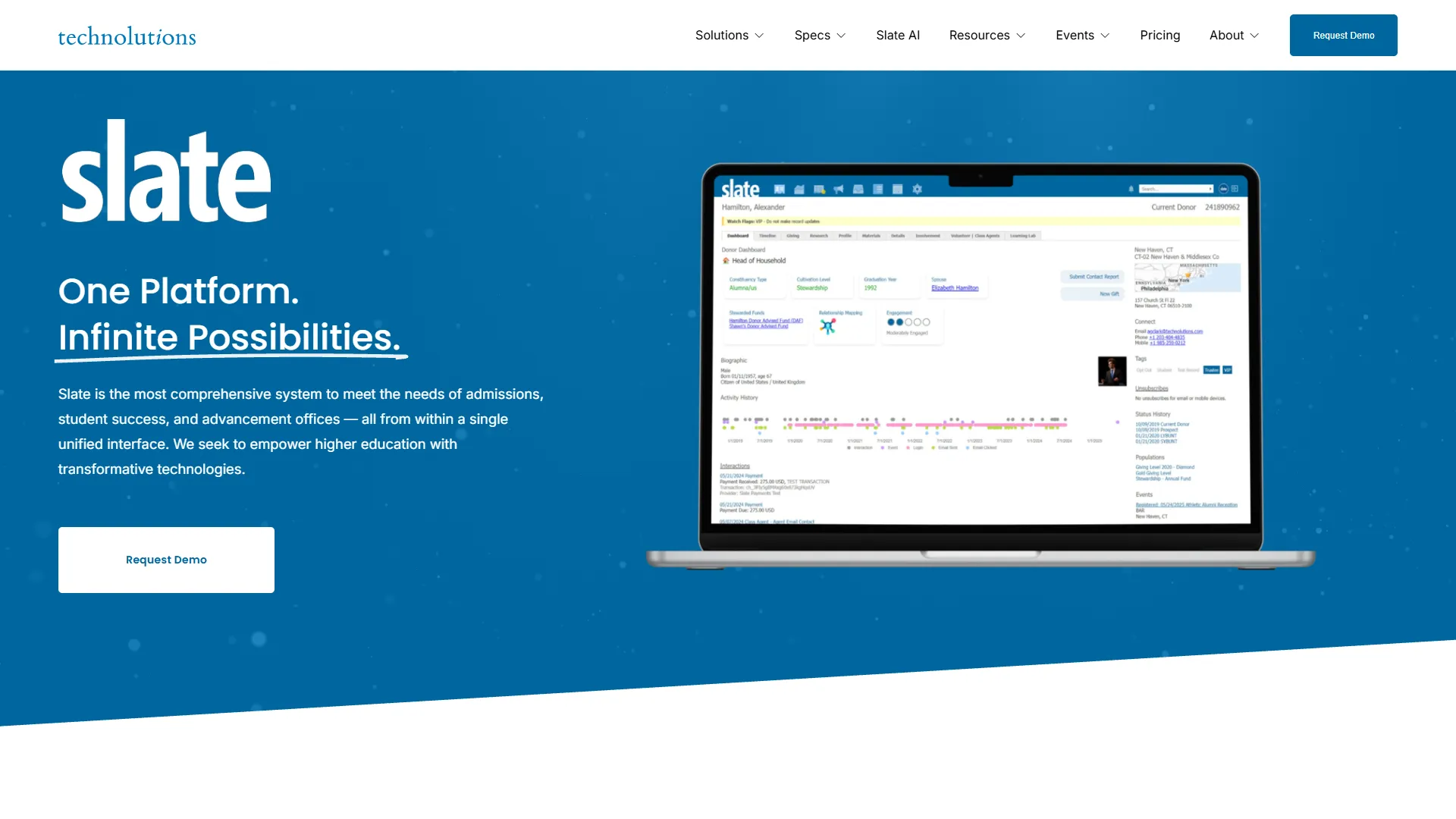
Quick Verdict: The industry-standard admissions CRM for colleges and universities, used by over 1,600 institutions.
Overview: Slate handles enrollment and admissions workflows for higher ed. Unlike most SaaS tools, it prices based on application volume instead of per-user seats, making costs predictable.
Key Features:
- Customizable application reading workflows
- Dynamic admit portals for prospective students
- Batch decision processing
- Complex query building without extra module fees
Pros
- ✓Pricing tied to application volume, not per-user seats
- ✓Deep customization for admissions workflows
- ✓Trusted by a large share of the higher ed market
Cons
- ✗Cost can still reach $175,000+/year for large institutions
- ✗Requires dedicated staff to manage its complexity
- ✗Focused on admissions, not full student lifecycle management
Best For: College and university admissions offices managing high volumes of applications.
OpenEduCat
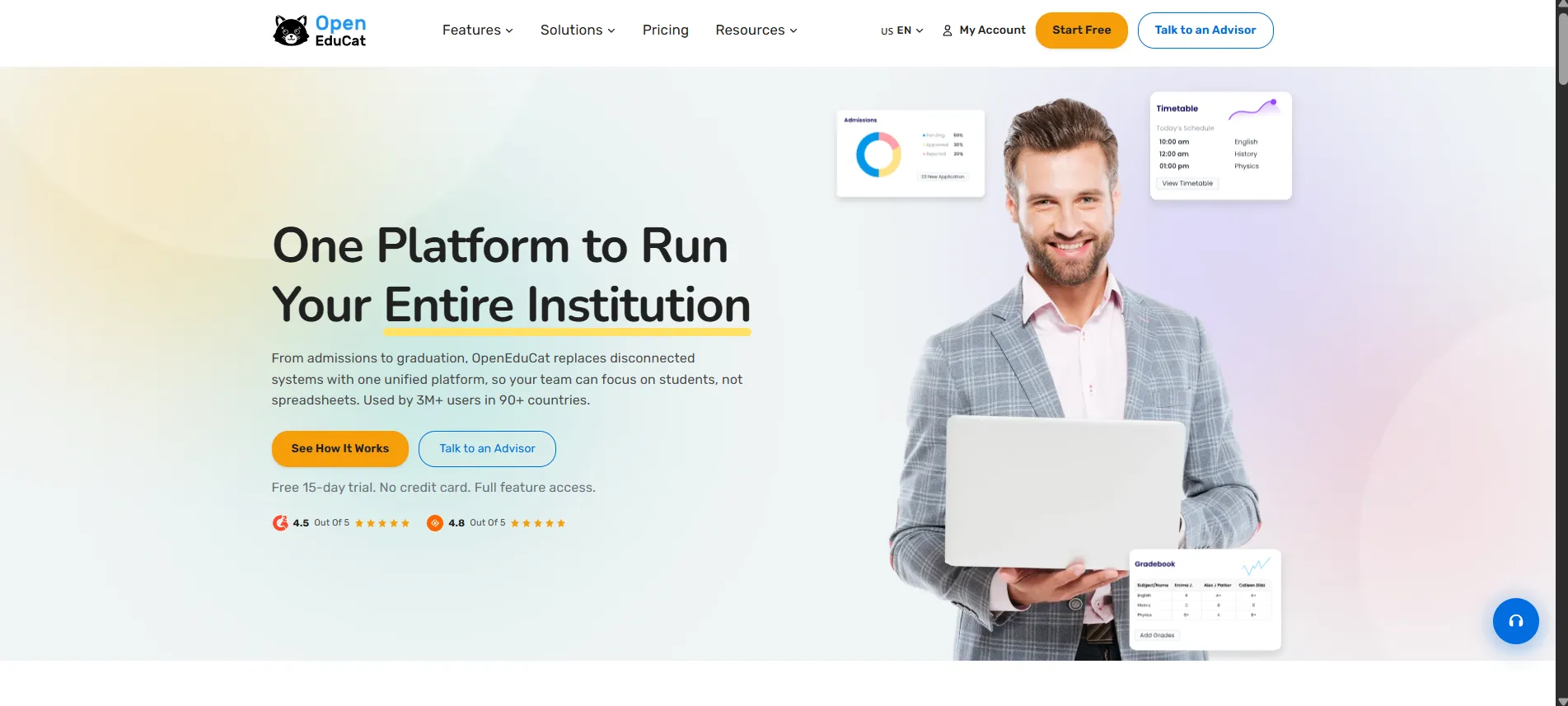
Quick Verdict: The best free, open-source option for schools that want full control of their data and zero license fees.
Overview: Built on Odoo, OpenEduCat is used by over 30,000 institutions across 130 countries. It's licensed under LGPL-3.0, meaning full access to source code and no per-student licensing costs.
Key Features:
- 73 integrated modules covering SIS, LMS, HR, and finance
- Full source code access and modification rights
- AI-powered auto-grading and predictive analytics
- Compliance support for frameworks like UGC CBCS and BAN-PT
Pros
- ✓$0 base license fee
- ✓Full data sovereignty since you own the code
- ✓Large global installed base across 130 countries
Cons
- ✗Requires technical staff or a partner to host and maintain
- ✗Support quality depends on your implementation vendor
- ✗Enterprise hosting and support still cost $12,000–$25,000/year for 1,000 students
Best For: Schools and colleges that want data ownership and are comfortable managing hosting or working with an implementation partner.
Classe365
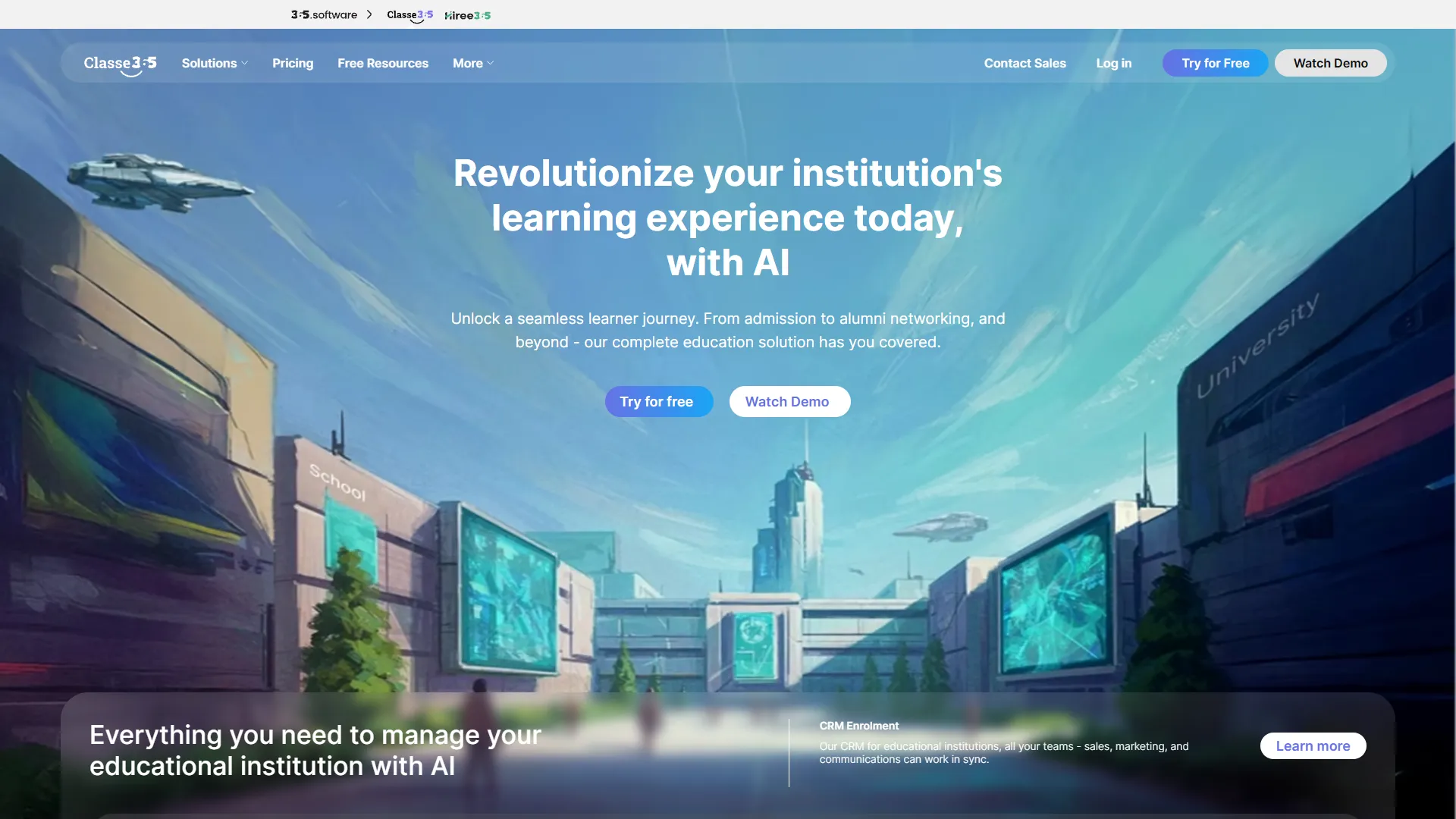
Quick Verdict: A clean, cloud-based SIS/LMS/CRM combo built for smaller academies and training centers.
Overview: Classe365 serves over 6,500 customers across 130 countries. It's aimed at vocational schools, academies, and growing private K-12 institutions wanting a single login.
Key Features:
- Unified SIS, LMS, and CRM in one interface
- One-click online enrollment tied directly to the SIS
- Automated fee invoicing
- AI-driven administrative insights
Pros
- ✓Simple setup for smaller institutions
- ✓Affordable entry pricing compared to enterprise tools
- ✓Combines three systems (SIS, LMS, CRM) in one login
Cons
- ✗Less depth than enterprise tools for very large institutions
- ✗Fewer third-party integrations than Classter
- ✗Feature set can feel basic for complex universities
Best For: Small to mid-sized academies and vocational training centers.
Classter
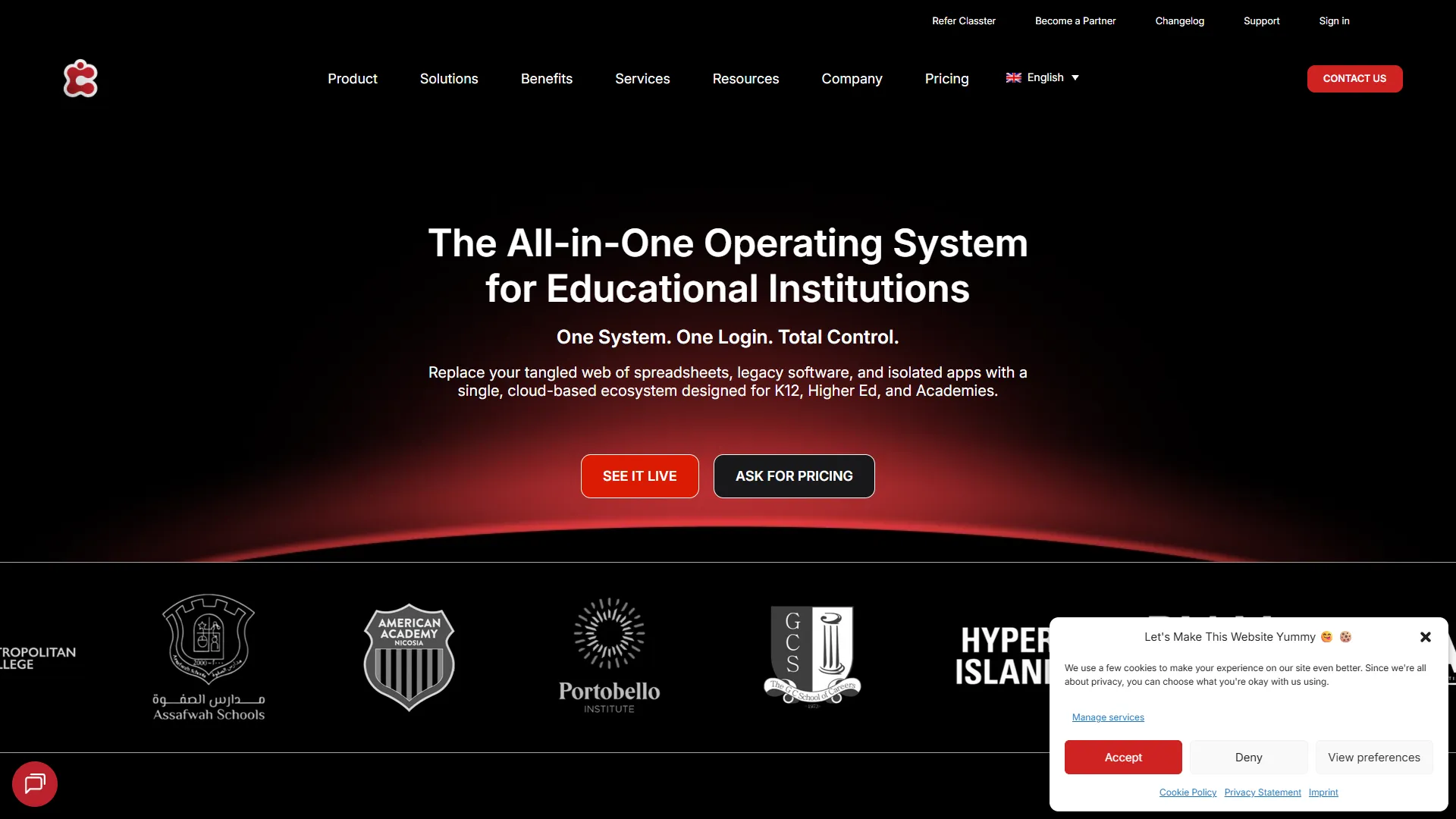
Quick Verdict: The best pick if integrations matter more than anything else, connecting to 40+ third-party tools out of the box.
Overview: Classter runs on Microsoft Azure and merges SMS, LMS, CRM, and ERP functions via an OpenAPI architecture that links to Office 365, Moodle, Webex, and HubSpot.
Key Features:
- OpenAPI supporting 40+ third-party integrations
- Customizable role-based portals, including alumni and internship portals
- Microsoft Azure-backed data security
Pros
- ✓Strongest integration ecosystem on this list
- ✓Flexible role-based access for different stakeholders
- ✓Enterprise-grade cloud security
Cons
- ✗Modular pricing can add up depending on features chosen
- ✗Requires setup time to configure all integrations properly
- ✗Less well-known in the US market compared to PowerSchool or Skyward
Best For: Schools that already use several other tools and need one system to tie them all together.
Fedena
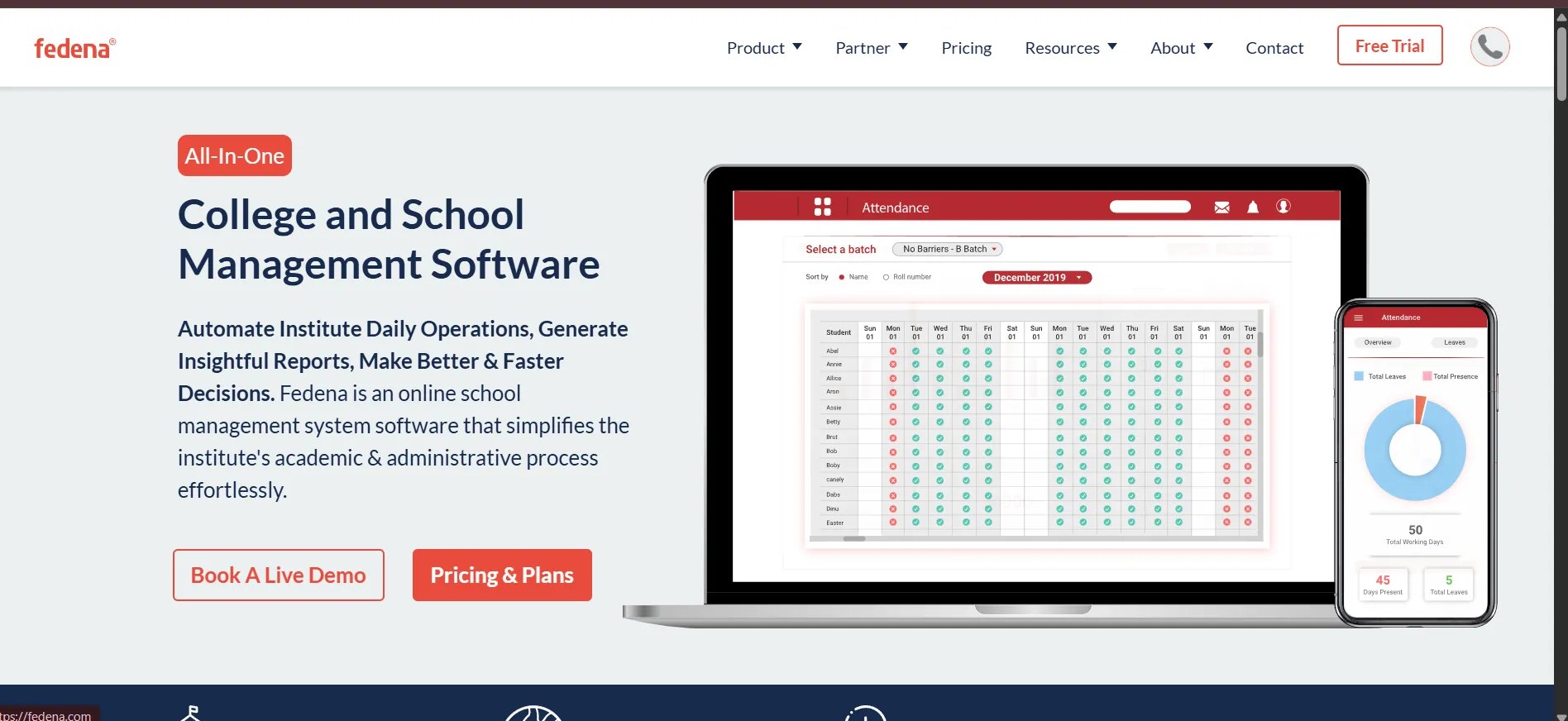
Quick Verdict: A broad, affordable school ERP with strong operational extras like transport tracking and hostel management.
Overview: Fedena is used by over 40,000 institutions to manage more than 20 million students worldwide. It covers a wide range of school operations beyond academics.
Key Features:
- Admissions, fees, and HR modules
- Real-time GPS transport tracking
- Hostel management
- Multi-school centralized dashboards
Pros
- ✓Wide feature set at a relatively low starting price
- ✓Good fit for schools with transport and hostel operations
- ✓Multi-school support for groups of institutions
Cons
- ✗Interface feels dated compared to newer cloud-native tools
- ✗Support quality varies by region
- ✗Less polished AI features than Meritto or Element451
Best For: Schools in emerging markets that need broad ERP coverage at an accessible price.
Teachmint
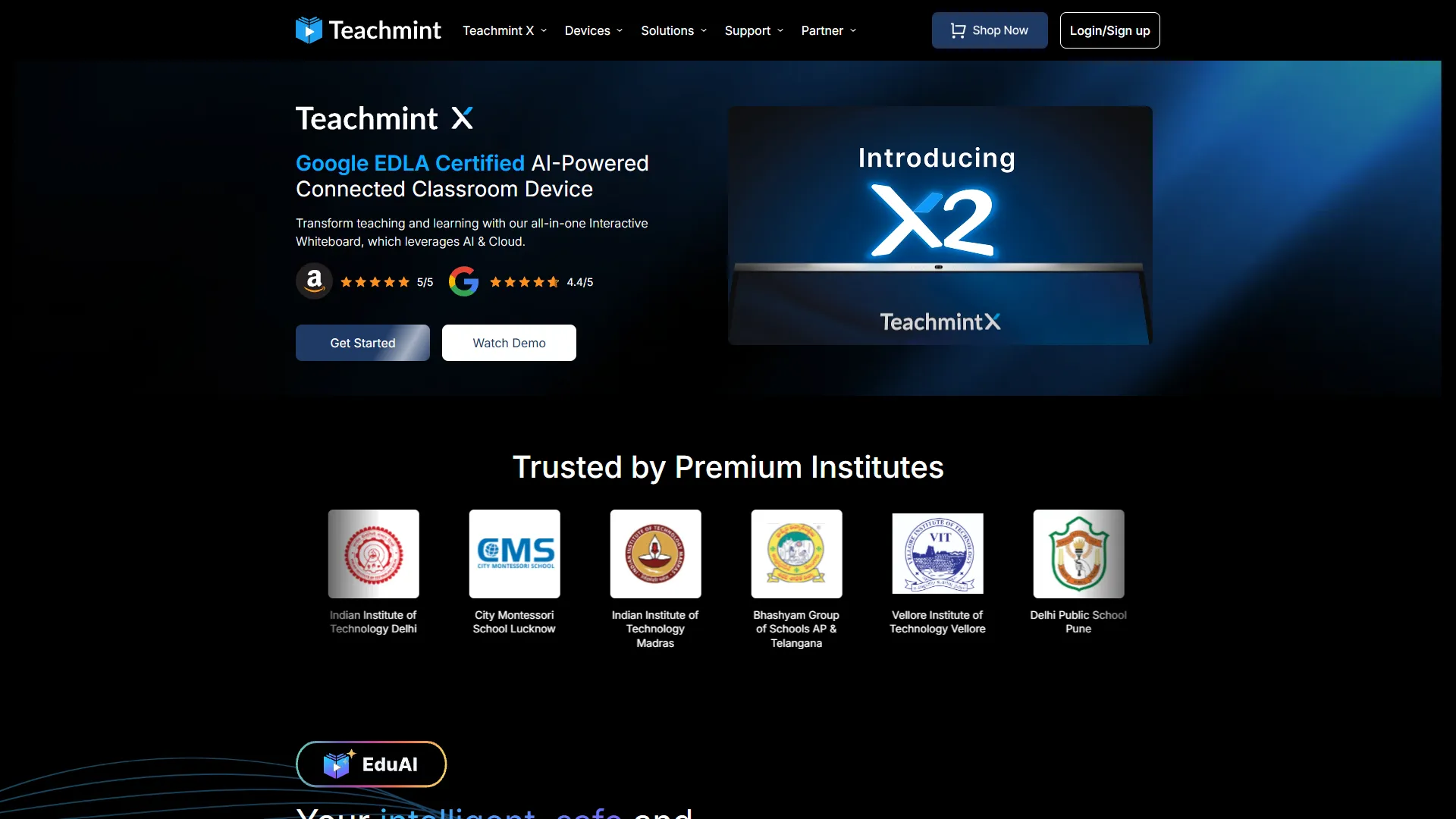
Quick Verdict: A strong option for schools that lean heavily on live and hybrid classes.
Overview: Teachmint started as a live-class platform during remote learning and grew into an Integrated School Platform serving over 20 million users across 50 countries.
Key Features:
- Live class hosting
- Integrated assessment and exam planners
- Digital content libraries
- Mobile-first attendance and fee management
Pros
- ✓Strong live-class experience compared to pure SIS tools
- ✓Freemium entry point for smaller institutions
- ✓Mobile-first design fits schools with limited desktop access
Cons
- ✗Less depth in fund accounting or advanced compliance reporting
- ✗Best suited to institutions that value live delivery over back-office ERP depth
- ✗Pricing model requires a direct quote for full feature access
Best For: Schools and coaching institutes that run a mix of live online and in-person classes.
Meritto (formerly NoPaperForms)
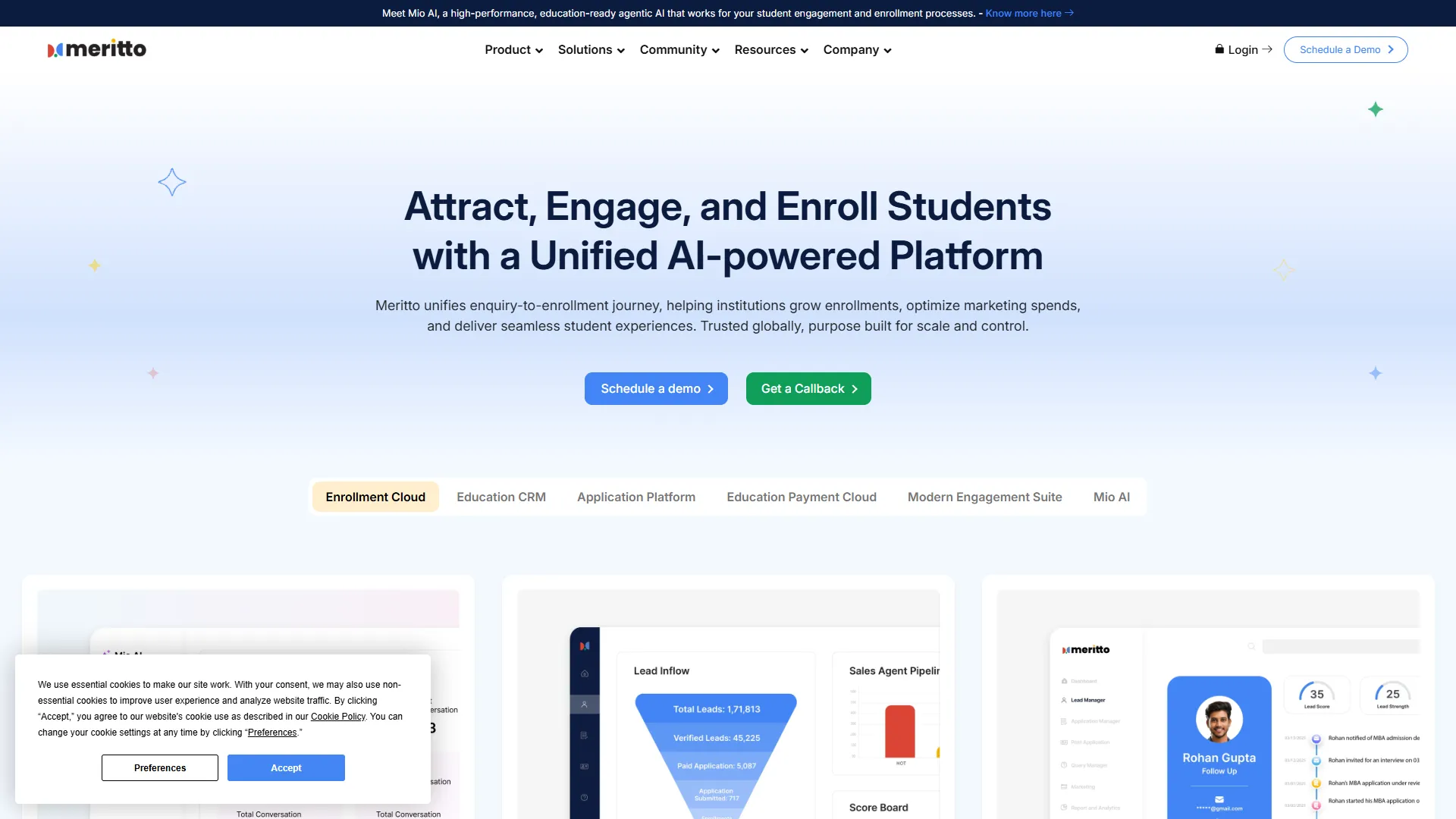
Quick Verdict: An AI-powered enrollment CRM built to turn scattered leads into a single, trackable pipeline.
Overview: Meritto centralizes lead generation, application processing, and fee collection for institutions focused on enrollment growth.
Key Features:
- Mutually Exclusive Impact (MEI) marketing analysis
- Student Quality Index for applicant benchmarking
- Publisher Panel for tracking agency-driven leads
- Automated lead-to-enrollment nurturing
Pros
- ✓Strong marketing attribution tools for ad spend decisions
- ✓Built specifically for enrollment, not retrofitted from a general CRM
- ✓Good fit for institutions working with external recruitment agencies
Cons
- ✗Not a full SIS or LMS, so you'll need a separate system for classroom operations
- ✗Custom pricing makes it harder to budget upfront
- ✗Best suited to institutions with a dedicated admissions/marketing team
Best For: Institutions with active recruitment teams that need to track leads from first contact to enrollment.
Gradelink
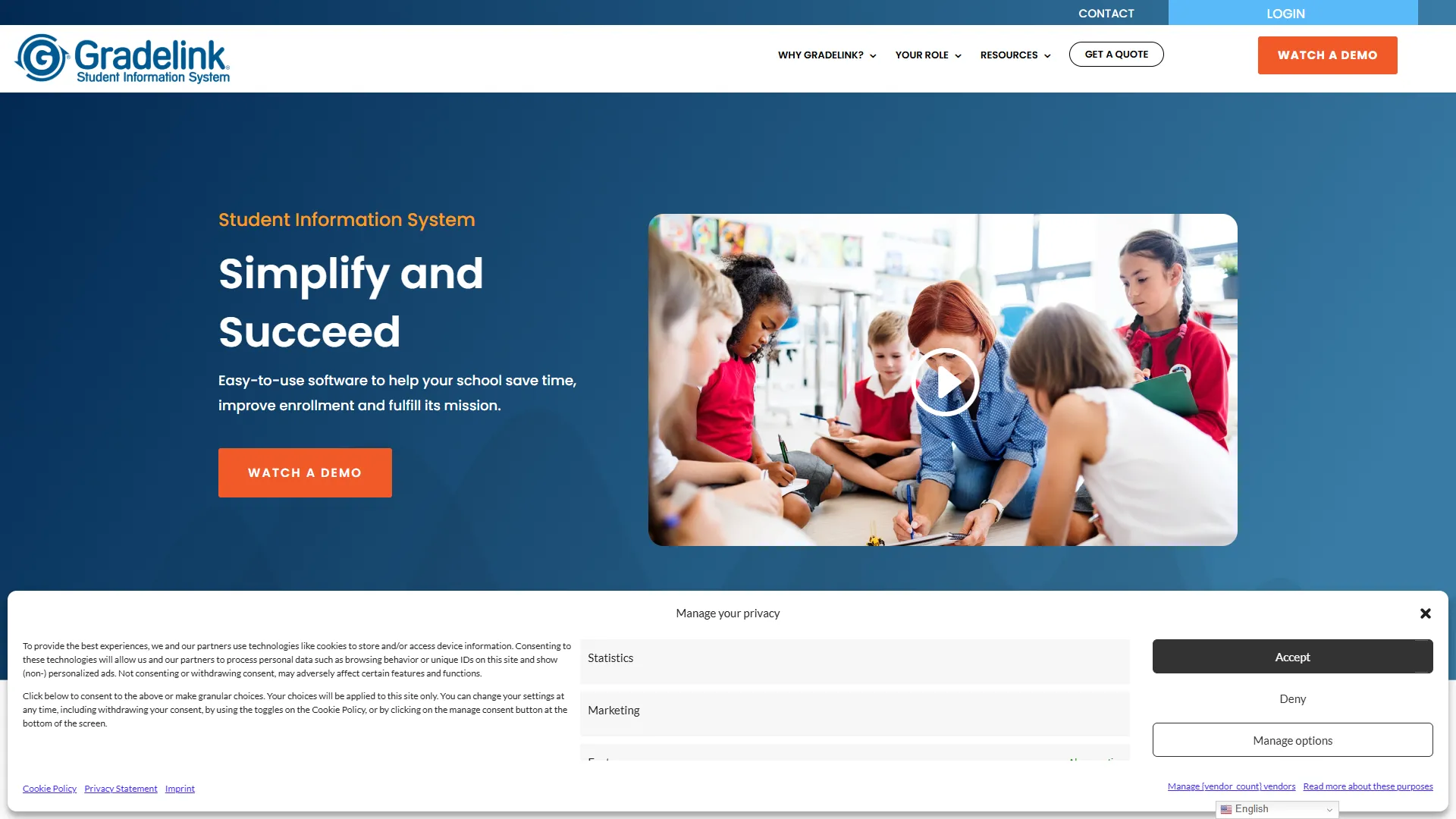
Quick Verdict: The simplest, most intuitive SIS on this list for small private and charter schools.
Overview: Gradelink serves over 2,000 schools and 400,000 users. It deliberately skips enterprise bloat in favor of a clean interface.
Key Features:
- Integrated gradebooks
- Automated report card generation
- Parent communication tools
- Lesson planning functionality
Pros
- ✓Very easy to learn for non-technical staff
- ✓Affordable starting price
- ✓Fast setup compared to enterprise SIS tools
Cons
- ✗Lacks fundraising or advancement tools found in Blackbaud or Veracross
- ✗Not built for large public districts
- ✗Fewer AI features than newer competitors
Best For: Small to mid-sized private, independent, and charter K-12 schools.
Alma SIS
Quick Verdict: A modern, cloud-native SIS built around an intuitive interface for PreK–12 schools and districts.
Overview: Alma focuses heavily on reducing administrative friction through clean design and direct state-level data integration.
Key Features:
- Seamless state compliance integration
- Automated scheduling algorithms
- Multi-language parent and student portals
- Customized reporting
Pros
- ✓Strong reputation for user experience
- ✓Good state compliance support
- ✓Multi-language support helps diverse school communities
Cons
- ✗Custom pricing makes upfront comparison difficult
- ✗Smaller market share than PowerSchool or Infinite Campus
- ✗Fewer third-party integrations than Classter
Best For: PreK-12 schools and districts prioritizing ease of use and state compliance integration.
Veracross

Quick Verdict: A premium SIS for elite private and independent schools built on a strict one-record-per-person philosophy.
Overview: Veracross is known for its single data architecture: every person gets exactly one record, from prospect through alumnus.
Key Features:
- One-person, one-record data architecture
- GAAP-compliant school fund accounting
- Modern Data API v3 for integrations
- Advancement and fundraising tracking
Pros
- ✓Eliminates duplicate records across departments
- ✓Strong fit for schools running both academics and fundraising
- ✓Modern API makes custom integrations easier
Cons
- ✗Premium pricing puts it out of reach for smaller schools
- ✗Built specifically for private/independent schools, not public districts
- ✗Requires investment in onboarding to get full value
Best For: Elite private and independent schools wanting a single source of truth across admissions, academics, and advancement.
Jenzabar
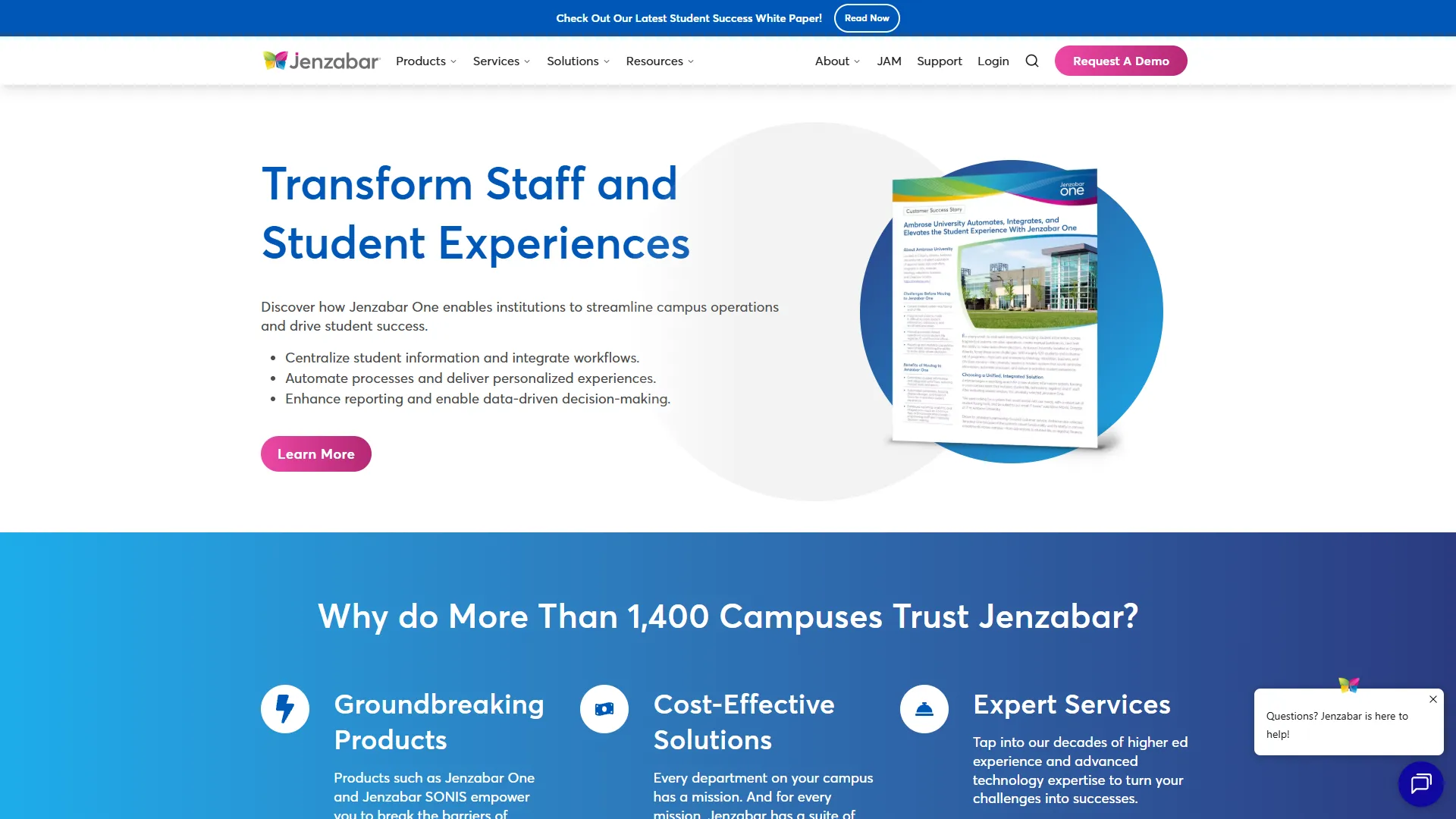
Quick Verdict: The most-selected student system among private, not-for-profit higher education institutions.
Overview: Jenzabar One is a unified cloud platform for higher ed, reporting a 99% customer retention rate.
Key Features:
- Unified student records, HR (HCM), and finance in one SaaS platform
- Mobile-first student self-service portals
- Advanced retention analytics
Pros
- ✓Very high customer retention suggests strong long-term satisfaction
- ✓Combines academic, HR, and finance data in one system
- ✓Built specifically for the private higher ed niche
Cons
- ✗Custom pricing makes cost comparison difficult
- ✗Smaller footprint outside private not-for-profit higher ed
- ✗Less name recognition than Canvas or Salesforce
Best For: Private, not-for-profit colleges and universities.
Skyward
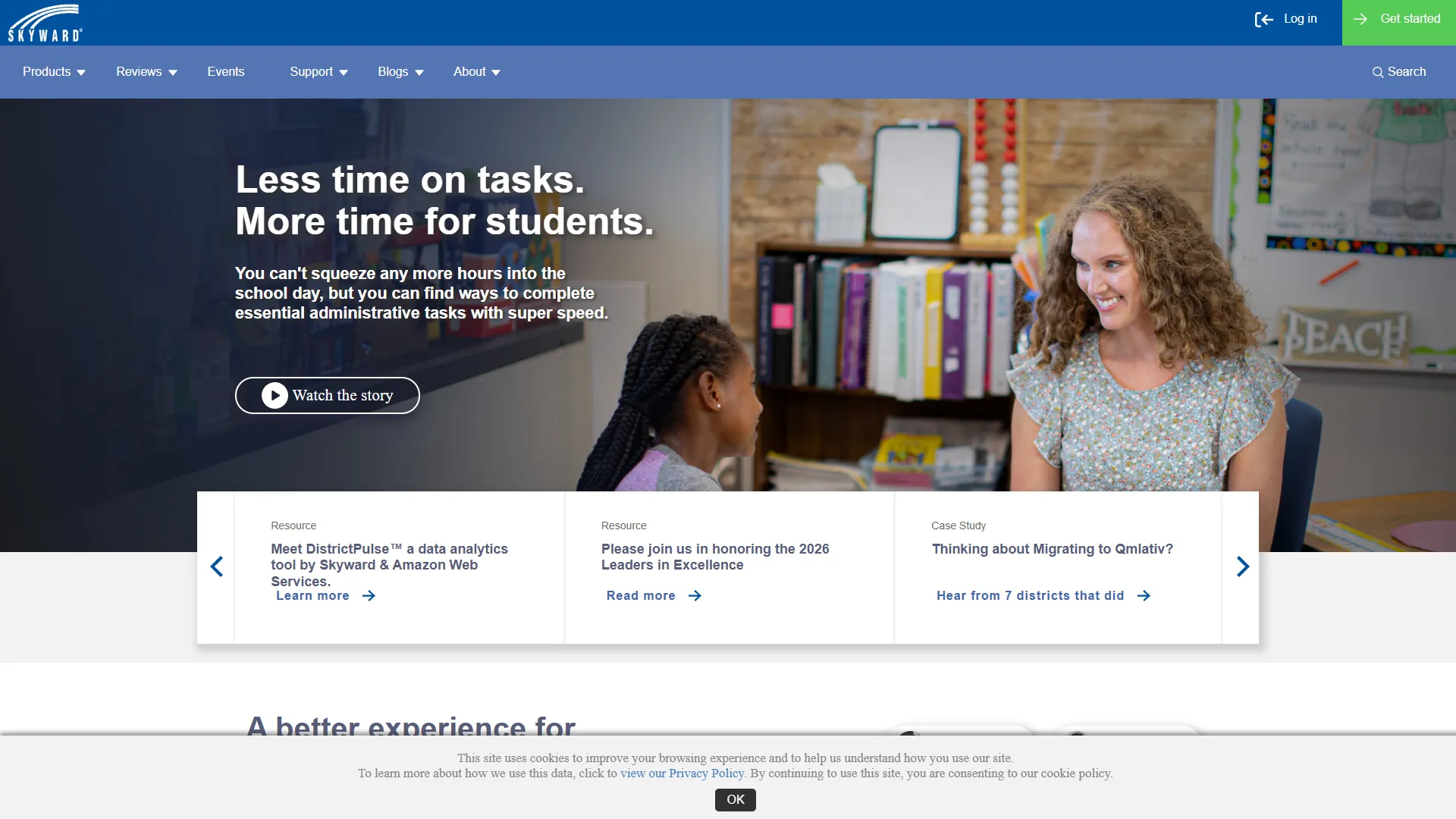
Quick Verdict: A veteran ERP with some of the strongest financial and HR modules for US public school districts.
Overview: Skyward handles district-level accounting alongside student data, deeply embedded in US public K-12 operations.
Key Features:
- Advanced municipal HR and financial accounting
- Strict state-level regulatory compliance reporting
- Transition path to modernized Qmlativ platform
Pros
- ✓Deep finance and HR functionality, not just student records
- ✓Long track record in public K-12
- ✓Active modernization through Qmlativ
Cons
- ✗Pricing ($30,000–$150,000+/year plus implementation) is steep for smaller districts
- ✗Legacy interface in some modules
- ✗Implementation timelines can run 6–18 months
Best For: US public school districts needing strong financial and HR management alongside student records.
HubSpot CRM (Education Edition)
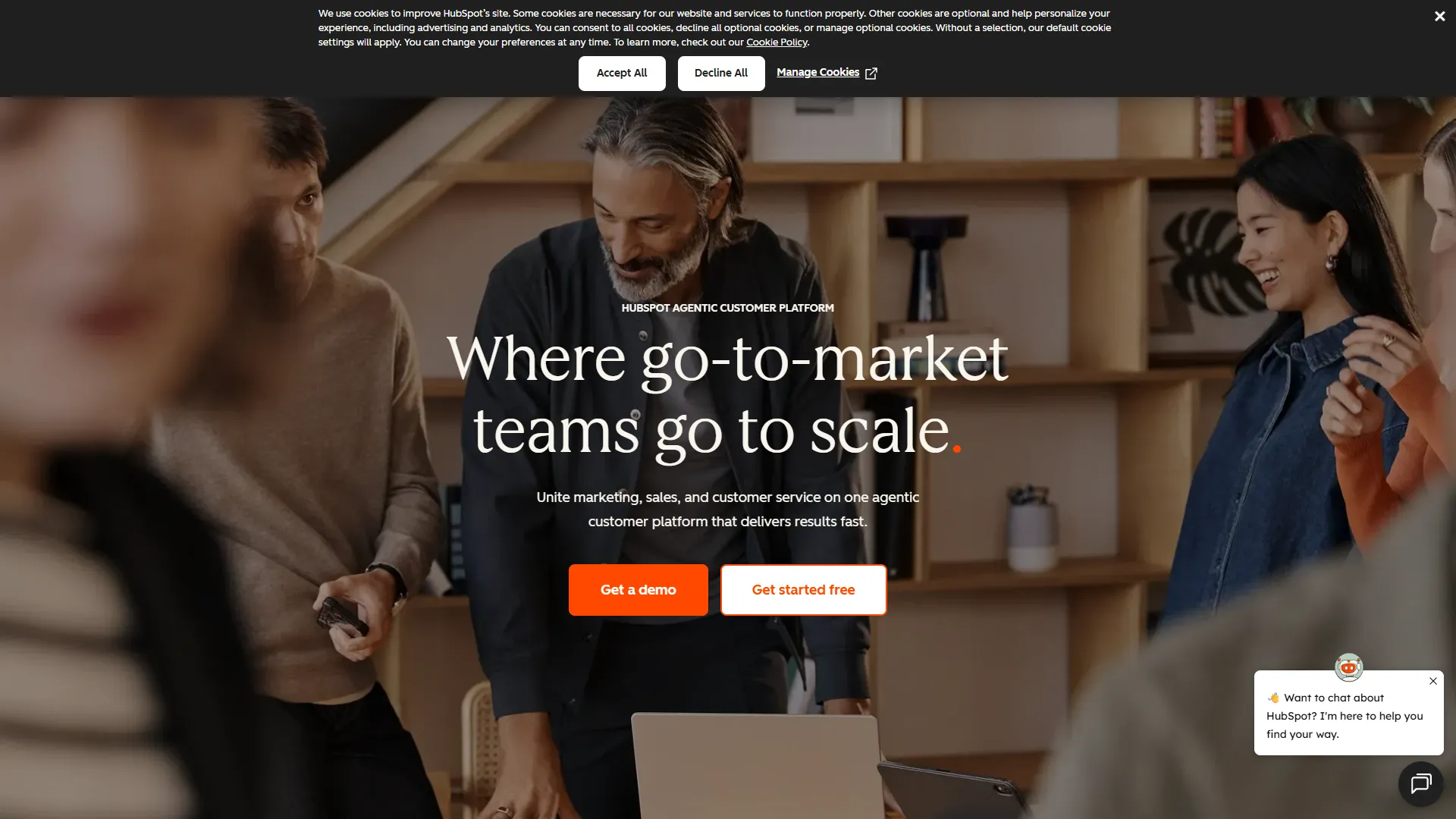
Quick Verdict: Not a full SIS, but a genuinely strong overlay for higher ed recruitment marketing.
Overview: HubSpot CRM is a popular layer on top of existing SIS and LMS systems for schools focused on marketing-driven enrollment.
Key Features:
- Omnichannel marketing automation
- AI-powered prospecting and chatbots
- Analytics for enrollment marketing ROI
- Open API for connecting to other systems
Pros
- ✓Generous free tier to start
- ✓Familiar interface for teams using HubSpot elsewhere
- ✓Strong reporting for marketing ROI
Cons
- ✗Not a replacement for an SIS or LMS
- ✗Paid tiers get expensive as contact list grows
- ✗Education-specific features are lighter than niche tools
Best For: Higher ed marketing teams and ed-tech companies running recruitment campaigns.
LeadSquared
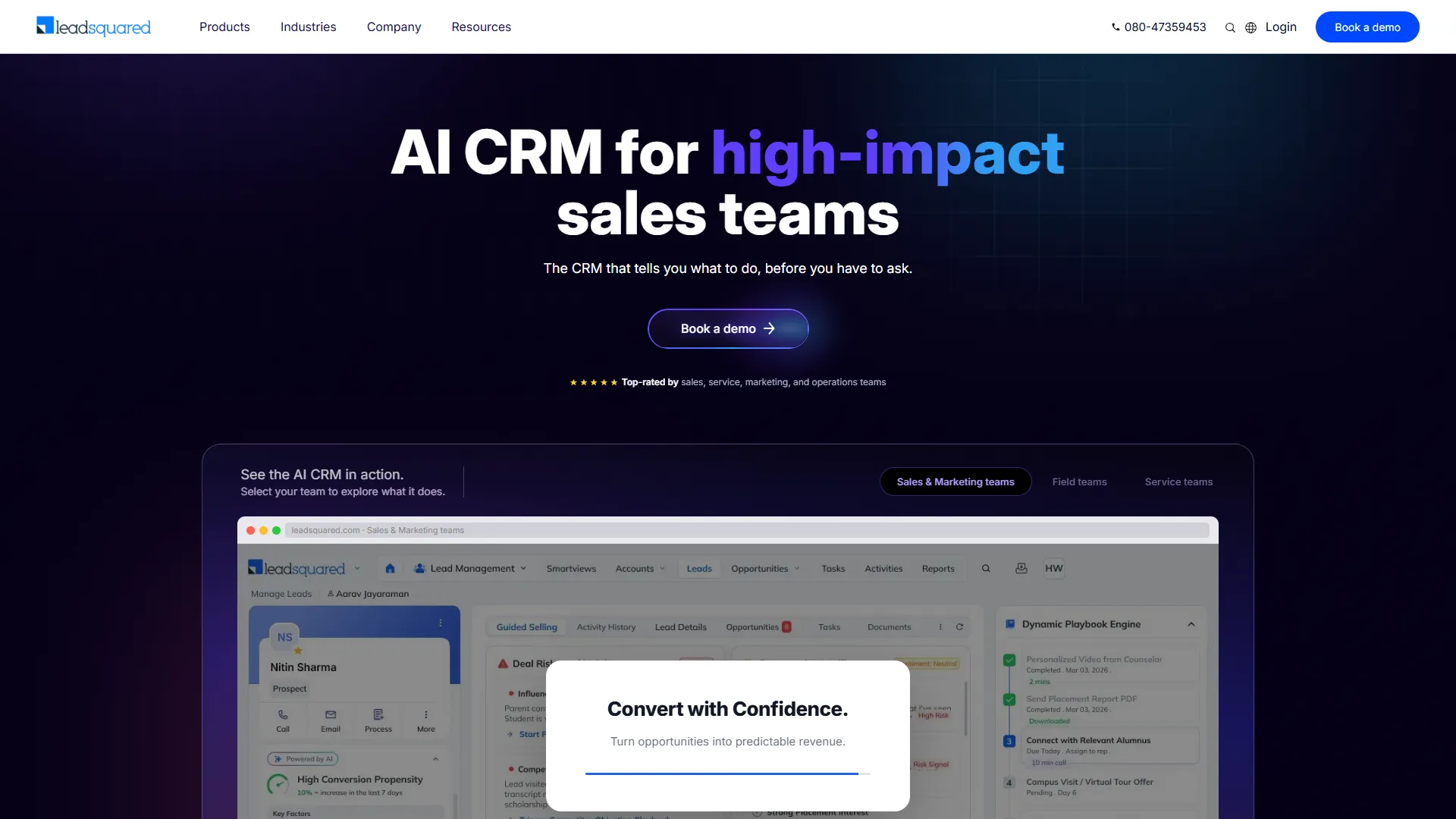
Quick Verdict: A sales-focused CRM favored by coaching institutes and ed-tech companies that need fast lead capture.
Overview: With 91% of its user base in education, LeadSquared moves leads through a sales funnel quickly with automated counselor workflows.
Key Features:
- High-velocity lead capture across channels
- Omnichannel outreach (email, SMS, social)
- Workflow automation blueprints for admissions counselors
- AI-driven predictive insights
Pros
- ✓Purpose-built for education sales teams
- ✓Strong automation reduces manual follow-up
- ✓Heavy adoption within the education sector
Cons
- ✗Sales-first design is not a fit for pure academic operations
- ✗Per-user pricing adds up for larger teams
- ✗Less useful once a student is enrolled
Best For: Coaching institutes, ed-tech companies, and higher ed teams with high lead volumes.
Element451
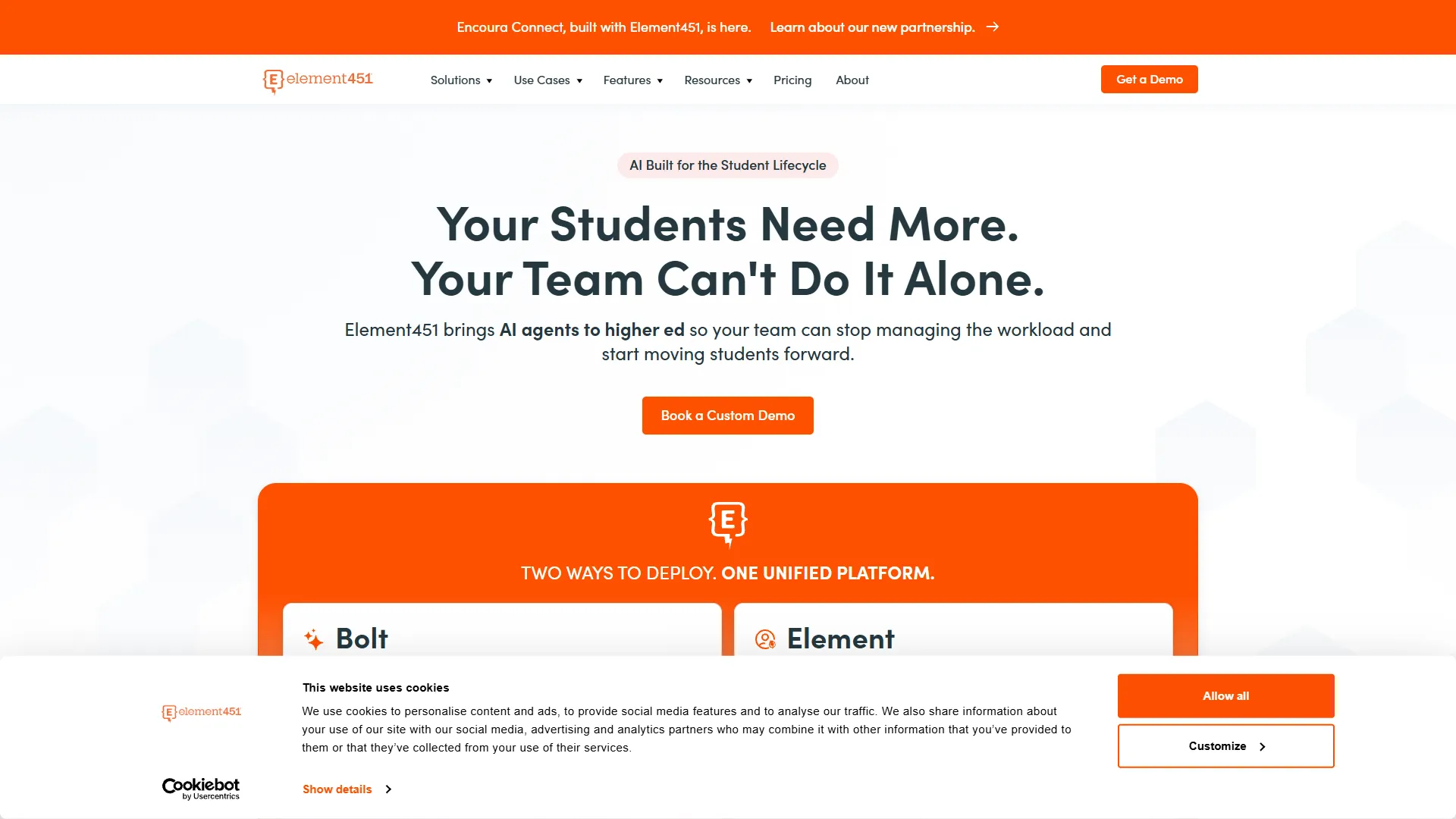
Quick Verdict: An AI-first CRM built to modernize higher ed enrollment marketing at a lower cost than legacy enterprise CRMs.
Overview: Element451 positions itself as a faster, cheaper alternative to Slate or Salesforce, with AI baked into communications.
Key Features:
- AI-first student engagement tools
- Personalized, automated communication campaigns
- Predictive admissions funnel tracking
- Integrated web chatbots
Pros
- ✓More affordable than Salesforce or Slate
- ✓Faster implementation timelines than legacy CRMs
- ✓Strong focus on AI-driven personalization
Cons
- ✗Smaller market share than Salesforce or Slate
- ✗Custom pricing requires a sales conversation
- ✗Less proven at multi-campus enterprise scale
Best For: Higher ed institutions wanting AI-driven enrollment marketing without Salesforce/Slate price tags.
Schoology (by PowerSchool)
Quick Verdict: A K-12 LMS blending digital classroom tools with light SIS features, backed by PowerSchool.
Overview: Schoology holds ~4.5% of US district market, designed for collaborative digital learning and multimedia assessments.
Key Features:
- Global professional learning networks for curriculum sharing
- Interactive multimedia assessments
- Seamless integration with PowerSchool SIS
- Parent engagement portals
Pros
- ✓Tight integration with PowerSchool SIS
- ✓Strong collaborative and assessment tools
- ✓Backed by PowerSchool's scale
Cons
- ✗Less valuable outside the PowerSchool ecosystem
- ✗Smaller market share than Canvas in higher ed
- ✗Custom pricing requires sales contact
Best For: K-12 districts wanting a strong LMS tightly integrated with PowerSchool SIS.
Clast.io
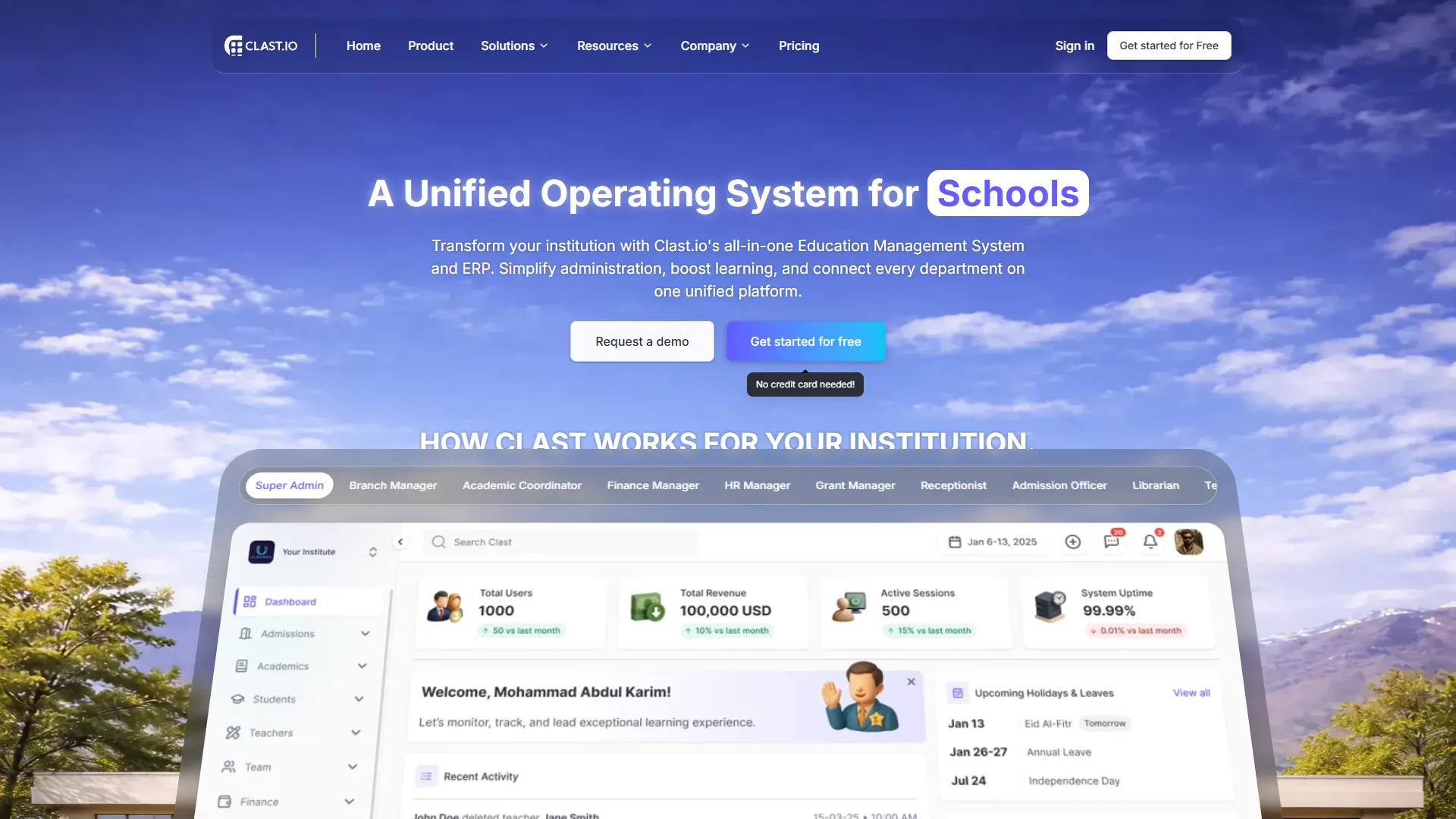
Quick Verdict: A minimalist, AI-powered platform with a genuinely usable free tier for smaller academies.
Overview: Clast.io collapses gradebooks, attendance, and communication into one simple dashboard with an early-alert AI engine.
Key Features:
- Minimalist, all-in-one dashboard
- AI-powered progress monitoring with early-alert flags
- Built-in automated assessments
- Workflow automation
Pros
- ✓Free tier is genuinely usable
- ✓Simple enough for non-technical staff to adopt quickly
- ✓AI early-alert flags help catch at-risk students
Cons
- ✗Feature depth is lighter than enterprise ERPs
- ✗Less suited to large districts with complex compliance
- ✗Newer platform with a smaller track record
Best For: Small academies and schools that want core features without paying from day one.
Okie Dokie
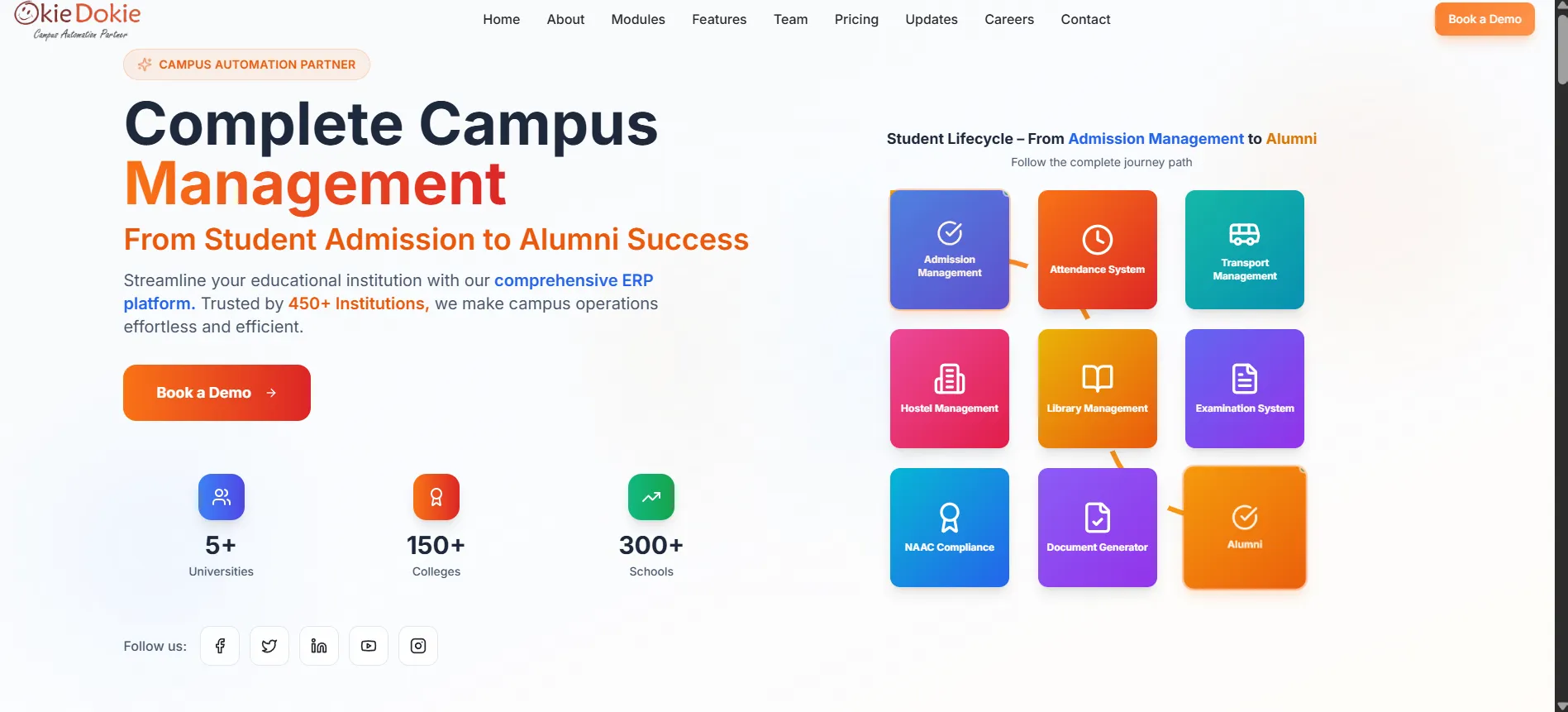
Quick Verdict: A WhatsApp-first ERP and CRM hybrid gaining traction in the Indian education market.
Overview: Okie Dokie covers the student lifecycle with WhatsApp built directly into fee reminders and admissions communication.
Key Features:
- Unified ERP and CRM architecture
- WhatsApp-first communication for fees and admissions
- Multi-campus management
- Accelerated 8-week deployment cycles
Pros
- ✓Fast deployment compared to enterprise SIS tools
- ✓WhatsApp-native design fits how Indian parents communicate
- ✓Covers full student lifecycle in one system
Cons
- ✗Custom pricing requires sales consultation
- ✗Smaller global footprint than PowerSchool or Blackbaud
- ✗Best fit is India-specific
Best For: Schools in India that want fast deployment and WhatsApp-native communication.
What Is School Management Software?
School management software is a digital platform that automates the day-to-day operations of a school, admissions, attendance, fees, grading, scheduling, and parent communication, in one connected system instead of separate spreadsheets and apps.
Most platforms combine three core functions:
- •Student Information System (SIS): stores student records, attendance, and grades.
- •Learning Management System (LMS): delivers course content, assignments, and assessments.
- •Customer Relationship Management (CRM): tracks prospects and applicants from first enquiry through enrollment.
The best tools link all three so a student's record stays consistent from their first inquiry to their graduation.
Benefits of School Management Software
In short: the biggest benefit is eliminating duplicate data entry, which cuts administrative hours and reduces costly errors.
- •Less duplicate work: Consolidating separate databases into one SIS cuts data-reconciliation labor significantly in the first year.
- •Faster fee collection: Automated reminders and online payment links reduce late payments and outstanding dues.
- •Better parent communication: WhatsApp and app-based alerts replace easily missed printed circulars.
- •Fewer routine phone calls: Parent portals handle common questions about attendance and fees directly.
- •Time back for staff: Automated report cards, certificates, and documentation save administrators hours every week.
- •Early warning on at-risk students: AI-driven attendance and grade tracking can flag problems weeks before exams, not after.
How to Choose the Best School Management Software
Short answer: match the tool to your school size, budget, and country's compliance requirements first, then compare features.
Questions to ask before you buy
- •How many students and staff will actually use it? Enterprise tools like PowerSchool or Skyward are built for scale; smaller tools like Gradelink or Classe365 fit leaner budgets.
- •What's the true total cost of ownership? Ask about implementation fees, training costs, and any per-module add-ons, not just the sticker price.
- •Does it meet your country's compliance rules? In India, check for NEP 2020 and APAAR support. In the US, check FERPA alignment.
- •How long does implementation actually take? Enterprise ERPs can take 6–18 months. Cloud-native tools built for smaller schools often go live in weeks.
- •Can you get your data out if you switch later? Open-source tools like OpenEduCat give full data ownership. Proprietary platforms vary in export flexibility.
- •Does it integrate with what you already use? Check Office 365, Moodle, or payment gateway connections before buying.
- •Is support responsive in your region? Ask for local references in your specific country.
Feature checklist
- •Attendance (biometric or app-based)
- •Fee collection and online payments
- •Parent communication (app, SMS, or WhatsApp)
- •Gradebook and report card generation
- •Admissions and enrollment tracking
- •Role-based access control for staff, teachers, and parents
- •Data export and security/compliance certifications
Free vs. Paid School Management Software
Short answer: free and open-source tools save on license fees but cost more in setup time and technical staffing; paid tools cost more upfront but usually deploy faster and include support.
| Factor | Free / Open Source (e.g., OpenEduCat) | Paid / Proprietary (e.g., PowerSchool, Skyward) | |
|---|---|---|---|
| License cost | $0 | $121/month to $150,000+/year | |
| Setup time | Longer, needs technical staff or a partner | Often faster, vendor-managed | |
| Data ownership | Full (you own the source code) | Varies by vendor's export policy | |
| Support | Community or paid support add-on | Included in most contracts | |
| Best for | Schools with in-house IT or hosting partner | Schools that want a managed, supported system |
School Management Software vs. Student Information System (SIS)
Short answer: an SIS is one piece of school management software, it handles student records, attendance, and grades. School management software is the broader category that also includes fees, admissions, communication, and LMS features.
| Factor | Student Information System (SIS) | School Management Software | |
|---|---|---|---|
| Core focus | Student records, attendance, grades | Everything above, plus fees, admissions, CRM, and communication | |
| Typical buyer | Registrar or academic office | Whole-school administration | |
| Examples | Infinite Campus, Alma SIS | SchoolLabs by Binary Labs, Classe365, Fedena | |
| Standalone use | Common in large districts with separate finance/CRM | Common in small/mid schools wanting one system |
Security and Data Privacy in School Management Software
Student data is sensitive: names, addresses, attendance patterns, health notes, and financial details all sit inside these systems. Non-negotiables to confirm before buying:
- •Role-based access control: Teachers shouldn't see fee records, and front-desk staff shouldn't see grade data they don't need.
- •Encryption in transit and at rest: Confirm with the vendor directly.
- •Data residency and export rights: Know where your data is hosted and whether you can export it in full if you switch platforms later.
- •Regional compliance: Confirm FERPA, NEP 2020/APAAR, or local equivalent data protections.
- •Vendor breach history: A quick search for past incidents tells you more than a sales call will.
Total Cost of Ownership: What Vendors Don't Always Mention
The license fee is rarely the full cost. Implementation, training, data migration, and per-module add-ons often add 20–50% on top of the sticker price in year one:
- •Implementation fees: Enterprise ERPs often charge $20,000–$100,000+ separately from annual licenses.
- •Training time: Staff need real hours to learn a new system, factor this into rollout timelines.
- •Data migration: Moving years of records from spreadsheets or legacy systems takes planning.
- •Add-on modules: Transport tracking, fundraising, or analytics are sometimes priced separately.
Common Mistakes to Avoid
- •1. Choosing based on brand name alone: PowerSchool is right for a large US district; it's overkill for a 300-student private school.
- •2. Ignoring total cost of ownership: Low license fees can hide expensive implementation, training, and add-on module costs.
- •3. Skipping compliance checks: A platform that doesn't support your country's reporting rules creates more work, not less.
- •4. Underestimating migration time: Moving years of student records takes real planning.
- •5. Buying more modules than you need: Advanced fundraising tools are wasted spend for a small tutoring center.
- •6. Not testing parent adoption first: A system parents won't use undercuts your investment.
Frequently Asked Questions
What is the best school management software overall?
SchoolLabs by Binary Labs is our top overall pick for 2026 for most small and mid-sized schools. It combines admissions, attendance, fee collection, and WhatsApp parent alerts without enterprise pricing.
How much does school management software cost?
Pricing ranges from $0 for open-source tools like OpenEduCat to $121–$500/month for small private schools, and $30,000–$150,000+/year for large US public school districts.
Is there a free school management software?
Yes. OpenEduCat offers a free open-source LGPL-3.0 license. SchoolLabs by Binary Labs, Teachmint, Clast.io, and HubSpot CRM also offer usable free tiers.
What's the difference between an SIS and school management software?
An SIS focuses primarily on student records, grades, and attendance. School management software is broader, incorporating fee collection, admissions CRM, parent communication, and LMS capabilities.
Which school management software is best for schools in India?
SchoolLabs by Binary Labs, Fedena, Teachmint, and Okie Dokie are top choices in India, supporting NEP 2020, APAAR ID generation, local board report cards (CBSE, ICSE, State), and WhatsApp parent notifications.
Final Recommendation
Choosing school management software comes down to being honest about your school size, budget, and region. Out of all 24 tools evaluated, SchoolLabs by Binary Labs stands out as the best starting point for small and mid-sized schools looking for an all-in-one platform with fee automation and WhatsApp alerts without enterprise bloat.
For US public districts, PowerSchool or Infinite Campus remain the proven standards. For higher ed, pair Canvas LMS with Salesforce Education Cloud or Slate. And for full open-source data ownership, OpenEduCat is unbeatable.